Knowing how to extract information from website to excel efficiently is essential for professionals handling wholesale supplier catalogs, e-commerce competitor audits, real estate directories, and public records. While copying a single row of text is easy, extracting massive multi-row grids containing hundreds of product SKUs, variant attributes, prices, and status indicators often causes severe formatting collapse. In this comprehensive technical guide, you will learn the exact blueprint to harvest structured web catalogs directly into Microsoft Excel and Google Sheets without losing data integrity.
📦 1-Click Catalog & Table Extraction: Neksio Table Capture
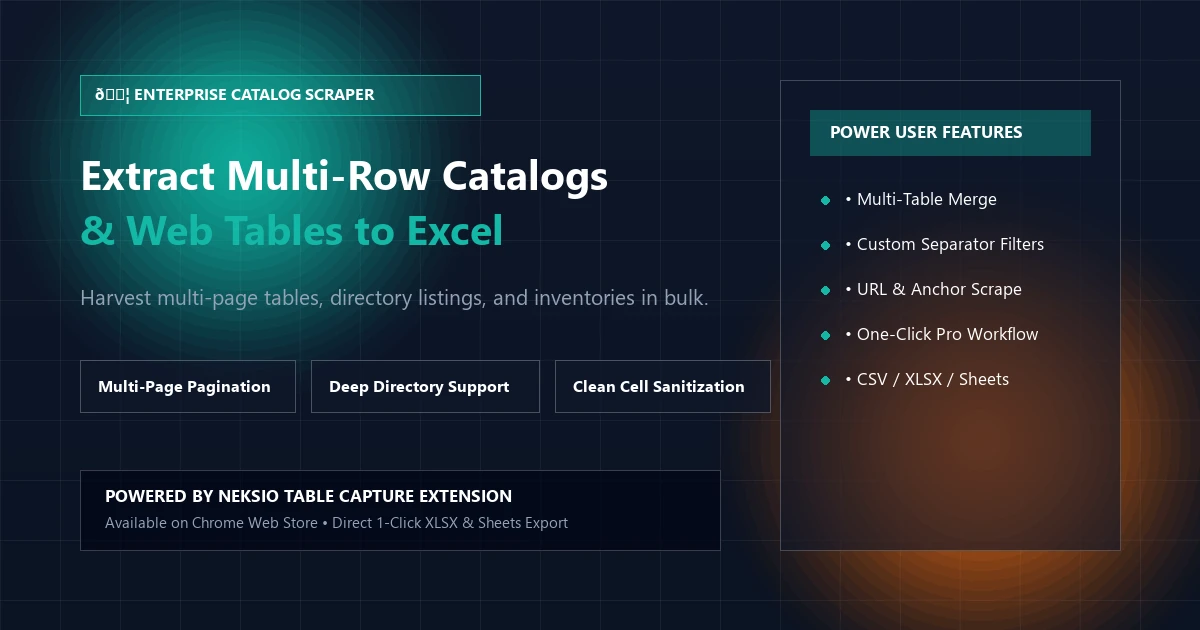
Harvest extensive product directories, multi-column tables, and dynamic web grids into clean Microsoft Excel (.xlsx) workbooks using the free Neksio Table Capture Chrome Extension. It automatically aligns headers, strips broken spaces, and preserves numeric calculations.
1. The Anatomy of Modern Web Catalogs & Directory Grids
Extracting modern web directories is far more complex than simple text copying:
- Multi-Row Product Blocks: An item in an e-commerce catalog often spans multiple sub-rows (title, SKU, price, discount badge, star rating). Standard copy-paste puts these sub-elements into random vertical rows instead of a single cohesive record.
- Embedded Hyperlinks: Product titles often contain target URLs. When pasted into Excel, formulas lose the underlying hyperlink unless parsed by a specialized extension.
- Lazy Loading & Virtual Scroll: High-volume catalogs only render 20 items at a time, loading more as you scroll down. Standard scrapers only see the top 20 items.
For a complete review of scraping tools, check our benchmark on the 5 best free web scrapers to Excel.
2. Step-by-Step: Extracting Multi-Row Tables with Neksio Table Capture
Follow this 3-step operational workflow to extract information from website to excel:
Step 1: Open Your Target Web Directory or Catalog
Navigate to the web page containing the catalog, inventory list, or multi-column data table. If the page uses infinite scroll, scroll to the bottom once so all rows are rendered into the DOM.
Step 2: Activate Neksio Table Capture
Click the Neksio Table Capture Extension icon in your Chrome toolbar. The extension scans the document, identifies structured tabular data, and presents a visual preview with total row and column counts.
Step 3: Instant One-Click Export to Excel (.xlsx)
Click “Export to Excel (.xlsx)”. Neksio automatically strips trailing non-numeric characters, fixes merged cells, and saves a clean workbook directly to your downloads folder.
Paginated Catalog Crawling
Extract Multi-Page Catalogs Automatically
When product catalogs span dozens of pages (Page 1, 2, 3… 25), manually exporting each page is slow. With Neksio Table Capture PRO Edition, the automated pagination crawler loops across all pages and combines all records into a single consolidated master spreadsheet.
3. Best Practices for Managing Large Scraped Catalog Datasets
Once your catalog data arrives in Excel, execute these 3 quick sanitization steps:
- Deduplicate SKUs: Navigate to Data > Remove Duplicates and select your unique identifier column (such as SKU or Product Name) to eliminate redundant records.
- Separate Pricing and Currency: If prices imported with mixed currency symbols, use
=NUMBERVALUE(SUBSTITUTE(A2, "$", ""))to guarantee pure calculable numbers. - Create a Pivot Table Summary: Select your dataset, press
Alt + N + V, and generate a Pivot Table to quickly calculate average price by category or stock counts.
📚 Related Pillar Resources in this Series:
- Scrape e-commerce tables: How to Scrape Amazon and E-Commerce Product Tables to Excel
- Pull live pricing data: How to Pull Live Web Data & Price Lists into Excel
- Extracting complex web tables: How to Extract Tables from Websites into Excel & Google Sheets
Frequently Asked Questions (FAQ)
What is the fastest way to extract information from website to Excel?
The fastest way is using the free Neksio Table Capture Extension. It parses any open web page and downloads a clean, native Excel workbook (.xlsx) with one click.
Can I extract product images and clickable links into Excel?
Yes. Neksio extracts underlying anchor hyperlinks and image source URLs, placing them in dedicated columns alongside standard text data.
Can I scrape supplier catalogs that require a login?
Yes! Browser extensions run directly inside your authenticated browser session, allowing you to extract password-protected wholesale catalogs that cloud scrapers cannot reach.
How do I scrape large catalogs across 25+ paginated pages?
With Neksio Table Capture PRO, the built-in pagination crawler automatically loops through multi-page catalogs and merges all rows into a single master spreadsheet.
Is extracting public catalog data into Excel legal?
Yes. Extracting factual, publicly available tabular data for price comparison and analysis is legally recognized under landmark US court precedents, provided you adhere to terms of service.