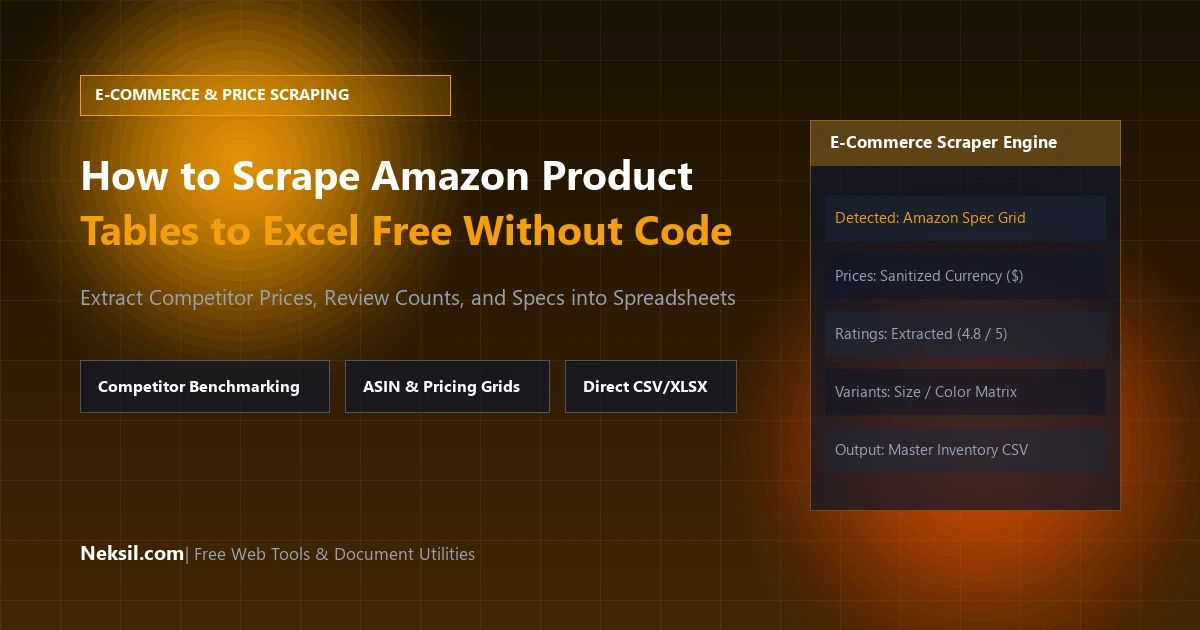
Knowing how to scrape amazon product table to excel is a massive competitive advantage for e-commerce entrepreneurs, Amazon FBA sellers, dropshippers, and retail arbitrageurs. From extracting competitor pricing tiers and review ratings to gathering technical specification matrices and ASIN directories, structured product data fuels winning pricing strategies. However, building custom web scrapers with Python or subscribing to expensive scraping SaaS platforms costing $100+/month is overkill when you can capture product tables directly in your browser for free.
🛒 Quick Summary: E-Commerce Product Table Scraping
- Free Browser Solution: Use the Neksio Table Capture Chrome Extension to scrape Amazon specification tables, pricing grids, and product catalogs directly to Excel (.xlsx) and CSV with zero coding.
- No Bot Blocks: Cloud scrapers often get blocked by Amazon CAPTCHAs. Because Neksio operates directly inside your active browser session, you capture data naturally without triggering security firewalls.
- Unlimited Catalog Scraping: Unlike legacy tools that cap free rows at 250, Neksio provides completely unlimited row extraction.
- Related Guides: Explore our comprehensive tutorial on How to Export Web Tables to Excel and our comparison on Best Table Capture Chrome Extensions.
1. The 3 Types of Product Tables on Amazon & Shopify
Modern e-commerce storefronts format product records into three distinct tabular layouts:
- Technical Specification Grids: Found midway down every Amazon product page (detailing ASIN, Item Weight, Dimensions, Manufacturer, Date First Available). These are typically standard HTML tables with two columns (Specification Key vs. Value).
- Competitor Comparison Matrices: Comparison widgets showing 4–6 related products side-by-side with rows for Price, Ratings, Shipping Time, and Key Features.
- Search Results & Category Listings: Multi-row product grids displayed on category browse pages (Title, Current Price, Strike-Through MSRP, Prime Badge, Customer Reviews).
2. How to Scrape Product Tables with Neksio Table Capture
The most efficient, zero-code method for e-commerce professionals is leveraging the Neksio Table Capture Chrome Extension.
🛍️ Step-by-Step E-Commerce Scraping Workflow
- Navigate to the Target Listing: Open any Amazon, Shopify, or Walmart store product page or search result category.
- Click Neksio Table Capture: Open the extension from your browser toolbar. Neksio scans the DOM and detects specification tables, comparison matrices, and product cards.
- Review Live Data Preview: Confirm that product titles, prices, ratings, and ASINs are cleanly arranged in designated columns.
- Export to Excel (.xlsx) or CSV: Click “Export to Excel (.xlsx)” for financial analysis or “Download CSV” for direct upload into inventory management systems.
Supercharge Your E-Commerce Product Research
Extract thousands of competitor prices and product specs without expensive API subscriptions or row limitations.
3. Why In-Browser Extensions Beat External Python Scrapers on Amazon
External web scrapers using Python or Node.js frequently fail on Amazon due to advanced anti-bot protections:
- Zero IP Bans: Cloud scrapers send hundreds of headless requests from identifiable AWS/datacenter IP ranges, resulting in immediate IP blocks or CAPTCHAs. Browser extensions run inside your real, authenticated Chrome session with natural mouse movements and authentic TLS fingerprints.
- Location-Specific Pricing: Amazon dynamically alters shipping fees and stock availability based on your delivery postal code. Because Neksio executes in your browser, it captures the exact localized pricing displayed on your screen.
- Speed & Efficiency: Exporting an entire catalog takes under 3 seconds rather than writing, debugging, and maintaining brittle Python CSS selectors.
4. Sanitizing E-Commerce Data in Microsoft Excel
Once your product data is downloaded into Microsoft Excel, perform these quick clean-up steps:
- Strip Currency Symbols ($ / £ / €): Use
Ctrl + Hto replace$with nothing, allowing you to run=AVERAGE()and=MIN()price formulas. - Extract Pure Numeric Ratings: If ratings export as “4.7 out of 5 stars”, use the formula
=VALUE(LEFT(C2, 3))to isolate the pure numerical rating.
If your product catalog is provided as an uneditable supplier PDF catalog, use our free PDF to Excel Converter to extract tables in seconds, or convert finalized price lists using our Excel to PDF Tool. Discover our entire directory of 236+ free utilities at Neksil Online Tools.
5. Frequently Asked Questions (FAQ)
Is it legal to scrape product tables and prices from Amazon?
Scraping publicly visible product specifications, prices, and reviews for market research and personal price comparison is legal in the US (supported by hiQ Labs v. LinkedIn). However, always adhere to Amazon’s conditions of use, avoid commercial redistribution of copyrighted text, and never overload servers with high-frequency bot requests.
Can I scrape Shopify product catalogs with Neksio Table Capture?
Yes. Neksio Table Capture works across all e-commerce platforms, including Shopify, WooCommerce, eBay, Walmart, and AliExpress, detecting both standard tables and modern CSS grid listings.
6. Conclusion
Eliminate manual product research today. With Neksio Table Capture on Chrome Web Store, you can scrape Amazon product tables, competitor pricing, and review ratings directly to Microsoft Excel and CSV files in seconds.