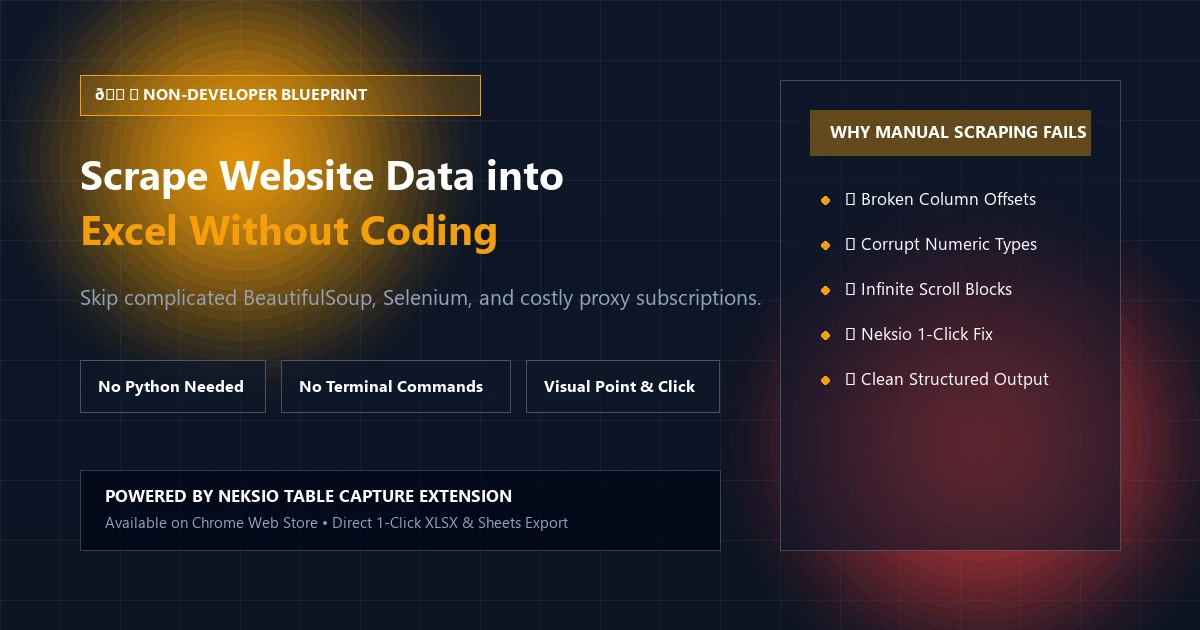
If you need to scrape website data into excel, you don’t have to hire expensive developers, configure Python environments, or pay monthly fees for cloud scrapers. While traditional developers often insist that web scraping requires Python libraries like BeautifulSoup, Selenium, or Scrapy, the reality for everyday business professionals is much simpler. Today, powerful visual browser extensions and built-in spreadsheet engines enable anyone to harvest structured web records, product catalogs, and financial tables into Excel in a few clicks. In this comprehensive guide, we demonstrate the most efficient no-code tools and strategies.
⭐ The Ultimate No-Code Solution: Neksio Table Capture
Skip the terminal and extract live web data directly into Microsoft Excel (.xlsx) and Google Sheets using the Neksio Table Capture Chrome Extension. It parses tables directly in your browser, bypassing IP rate limits and anti-bot obstacles.
1. Why Most Non-Developers Struggle with Web Scraping
For marketing teams, real estate analysts, and procurement officers, accessing web data usually means hitting a wall:
- The Python Barrier: Writing custom scrapers requires setting up Python virtual environments, managing
pippackages, writing CSS selectors, and handling complex headless browsers. When a website changes a single class name, scripts break immediately. - Expensive SaaS Subscriptions: Cloud scraping tools (like Octoparse or ParseHub) charge between $50 and $200 per month and restrict free users to low page caps.
- Anti-Bot Challenges: Cloud scrapers often get blocked by Cloudflare or CAPTCHA challenges because requests originate from commercial datacenter IP addresses.
A browser extension solves these bottlenecks because it renders pages inside your own legitimate Chrome session. To see how to extract basic tables, review our guide on how to extract table from website to Excel.
2. Method 1: The Browser Extension Workflow (Fastest & Most Accurate)
Using a specialized browser extension is the gold standard for daily business operations:
- Install the Neksio Table Capture Extension from the Chrome Web Store.
- Open the webpage containing your target table, price list, or directory.
- Click the extension icon. Neksio automatically analyzes the DOM, resolves merged cells, cleans non-breaking web spaces (
), and highlights the table in green. - Click “Export to Excel (.xlsx)”. A clean, native Microsoft Excel spreadsheet downloads directly to your PC.
Automate Repetitive Scraping
Automated Multi-Page Table Scraping (Zero Code)
Tired of clicking “Next Page” and copying tables 50 times? The Neksio Table Capture PRO Edition features automated Next Page crawl. It cycles through paginated catalogs automatically and compiles all rows into one master spreadsheet.
3. Method 2: Scraping Website Data Using Excel’s Native Web Connector
Microsoft Excel includes an integrated web parser within its Power Query suite:
Step-by-Step Power Query Web Extraction:
- Open Excel and click the Data tab on the ribbon.
- Select From Web in the Get & Transform Data section.
- Paste the full URL of the webpage you wish to scrape and click OK.
- The Navigator dialogue will display all detected HTML tables on that URL.
- Select your desired table and click Transform Data to clean columns, or click Load to import it into a sheet.
Note: While Power Query is excellent for static Wikipedia pages or government registries, it cannot execute dynamic JavaScript or scrape behind login credentials. For authenticated sites, use Neksio Table Capture.
4. Method 3: Scraping with Google Sheets and IMPORTXML
When IMPORTHTML isn’t flexible enough, Google Sheets offers IMPORTXML, which uses XPath queries to scrape exact elements:
XPath allows targeted extraction, but requires knowledge of XML syntax. Also, Google Sheets limits you to 50 import functions per spreadsheet to prevent server throttling.
📚 Related Pillar Resources:
- Zero coding scraping masterclass: How to Scrape Data from Any Website to Excel Free
- E-commerce table scraping: How to Scrape Amazon and E-Commerce Product Tables to Excel
- Direct Google Sheets export: Export Web Tables Directly to Google Sheets Without Formatting Issues
Frequently Asked Questions (FAQ)
Can I scrape website data into Excel without coding?
Yes! Using the free Neksio Table Capture Extension, you simply open the webpage and click “Export to Excel”. It requires zero programming knowledge.
How does a browser extension compare to Python scraping?
Browser extensions are faster to set up, operate visually, execute JavaScript naturally, and easily bypass anti-bot challenges because requests come from your real browser rather than an automated script.
Can I scrape dynamic pricing or stock market tables?
Yes. As long as the data is visible on your screen, Neksio Table Capture can snapshot and export the current state of dynamic tables into Excel.
Will the scraped Excel spreadsheet have active calculation formulas?
Yes. Neksio automatically strips trailing non-numeric symbols and formats numbers properly, allowing you to use =SUM(), =AVERAGE(), and Pivot Tables immediately.
How can I scrape large multi-page websites automatically?
With Neksio Table Capture PRO, you can use the automated pagination feature to crawl across dozens of consecutive pages without manual clicking.