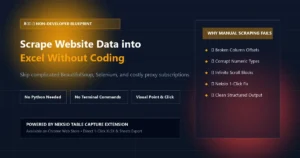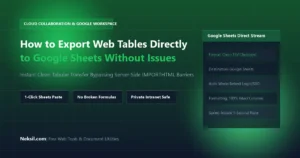
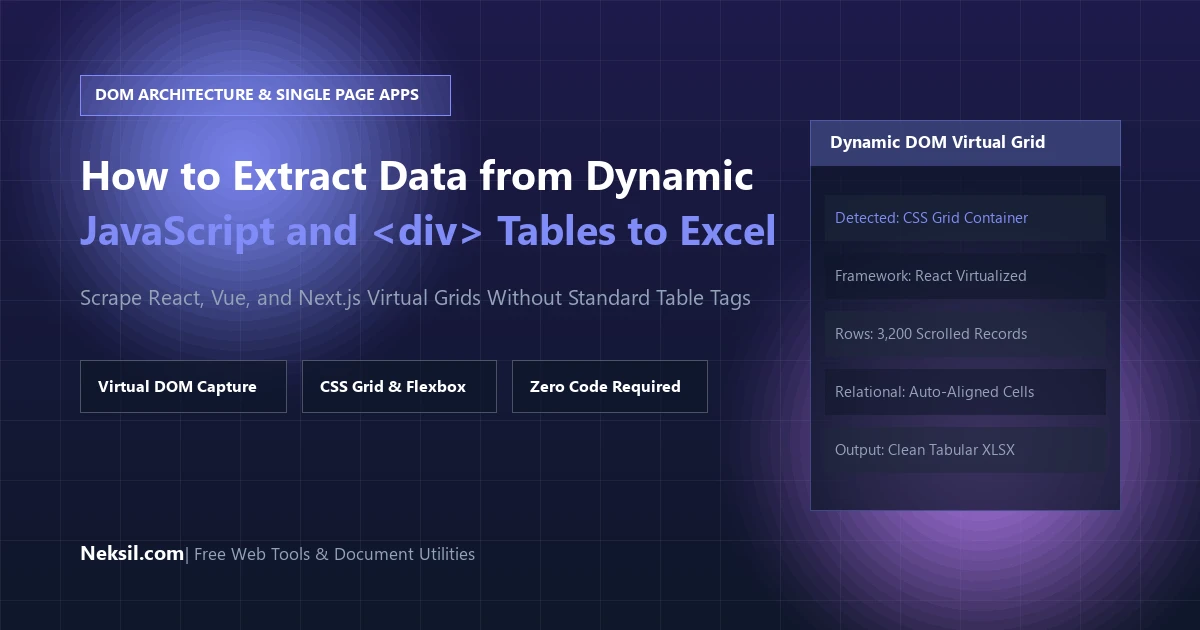
Learning how to scrape div table to excel is one of the most pressing technical challenges for modern data professionals, software engineers, and digital researchers. Over the past decade, front-end web engineering has migrated decisively away from traditional HTML <table> elements. Today, major SaaS dashboards, cloud analytics portals, CRM platforms, and interactive applications built with React, Vue, Next.js, and Angular structure tabular data almost exclusively using CSS Grid, Flexbox containers, and nested <div> wrappers. When traditional scraping tools or Excel Power Query encounter these dynamic structures, they fail to find table tags, leaving users stranded.
⚡ Quick Summary: Scraping Modern Div Grids to Excel
- The Problem: Microsoft Excel’s built-in “From Web” and Google Sheets
=IMPORTHTML()search exclusively for<table>tags. They are completely blind to modern CSS Grid and Flexbox<div>pseudo-tables. - The 1-Click Solution: The Neksio Table Capture Chrome Extension features an intelligent DOM pattern detector that recognizes visual grid alignments across nested divs, exporting clean Microsoft Excel (.xlsx) and CSV files with zero coding.
- Works Behind Authenticated Dashboards: Capture private React dashboards, Salesforce grids, and internal analytics without exposing your login credentials.
- Related Masterclasses: Review our guide on Exporting Web Tables to Excel and our comparison on Best Table Capture Chrome Extensions.
1. Why Modern Web Applications Replaced <table> with <div>
To understand why conventional web scrapers fail, it helps to examine modern front-end architecture. In older web development, tables were rendered with native semantics:
<table><tr><th>Header</th></tr><tr><td>Data</td></tr></table>
However, native HTML tables are notoriously inflexible on mobile devices, difficult to animate, and sluggish when rendering tens of thousands of rows. Consequently, modern UI component libraries (such as Tailwind CSS, Material UI, AG-Grid, and Ant Design) construct grids using generic <div> blocks styled via CSS:
<div class="grid grid-cols-4 gap-2"><div class="cell">Data</div></div>
Because there are no table, tr, or td tags present in the source code, traditional tools report that “No table was found on this webpage”.
2. How Neksio Table Capture Solves Dynamic Div Scraping
The Neksio Table Capture Chrome Extension incorporates a DOM traversal engine that looks beyond raw HTML tags. It evaluates the computed CSS styles and geometric boundaries of elements on your screen, identifying repeating grid layouts, header rows, and column boundaries regardless of the underlying markup framework.
🛠️ 4-Step Dynamic Div Extraction Process
- Open the Web Application: Navigate to the dynamic dashboard, SaaS report, or web portal where your data is rendered.
- Click Neksio Table Capture: Tap the toolbar icon. Neksio immediately parses the computed layout tree, highlighting both native tables and CSS grid div containers.
- Verify Tabular Columns: Inspect the interactive preview modal to confirm that nested divs have been accurately parsed into individual spreadsheet columns.
- Download Your Spreadsheet: Click “Export to Excel (.xlsx)” or “Download CSV” to save the data cleanly onto your local machine.
Scrape Modern React & Div Grids with 100% Precision
Stop struggling with outdated scrapers that fail on modern web apps. Neksio Table Capture extracts CSS grids, dynamic Single Page Apps, and virtualized DOM tables effortlessly.
3. Handling Virtualized DOMs and Lazy-Loaded Grids
High-performance enterprise dashboards often use DOM virtualization (where only the 20 visible rows currently on your screen exist in the DOM, while off-screen rows are destroyed).
To capture virtualized grids completely:
- Scroll steadily through the grid from top to bottom, allowing the application to populate records.
- Use Neksio’s buffer accumulation mode to record rows as they scroll into view.
- If your dashboard allows adjusting the “Items per page” dropdown (e.g., from 10 to 100), always select the maximum viewable count before triggering extraction.
For additional document processing and file format conversions, check our free PDF to Excel Tool or browse our 236+ online calculators at Neksil Online Tools.
4. Frequently Asked Questions (FAQ)
Why does Excel Power Query say “No tables found” on my webpage?
Microsoft Excel Power Query searches specifically for HTML <table> tags. Because modern web apps use CSS Grid <div> tags, Power Query fails to identify them. Using Neksio Table Capture resolves this by analyzing the rendered layout rather than relying solely on tag names.
Can Neksio extract tables from password-protected React applications?
Yes. Because the extension runs inside your active Google Chrome browser session, it inherits your active user authentication cookies, extracting data seamlessly from internal corporate software.
5. Conclusion
Do not let modern CSS grid structures derail your research. Install the free Neksio Table Capture Chrome Extension today to extract dynamic div tables and Single Page Applications directly to Microsoft Excel in seconds.