In competitive modern commerce, knowing how to pull website data into excel enables businesses to track competitor pricing, audit supplier inventory levels, and monitor market movements in real time. Manually copying price lists from e-commerce stores or distributor catalogs is painfully slow, prone to costly human errors, and leaves you with unformatted numbers that cannot be analyzed. In this comprehensive operational guide, we demonstrate the fastest automated techniques to extract live web data and pricing matrices into structured, calculation-ready Excel spreadsheets.
🏷️ Extract Competitor Prices in 1 Click: Neksio Table Capture
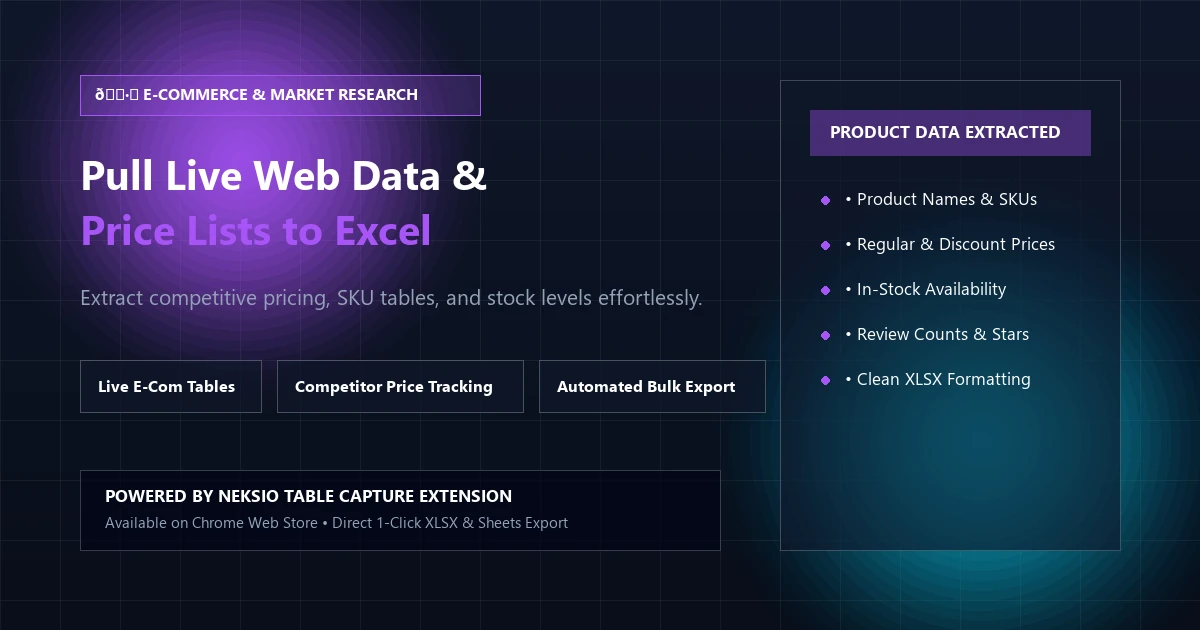
Capture supplier pricing, SKUs, discounts, and inventory availability across any e-commerce catalog using the free Neksio Table Capture Chrome Extension. It parses currency symbols, preserves numeric formatting, and outputs pristine Excel files instantly.
1. The Real-World Use Cases for Live Price & Web Data Extraction
Extracting live data directly into spreadsheets unlocks significant strategic advantages across multiple business sectors:
- Competitor Pricing Intelligence: Retailers and Amazon sellers can monitor competitors’ daily pricing strategies, tracking discount margins and shipping fees.
- Wholesale Supplier Cost Auditing: Procurement officers can download vendor inventory catalogs to compare bulk tier discounts across multiple distributors.
- Real Estate & Rental Market Benchmarking: Property investors can pull property listings, square footage, and neighborhood prices to spot undervalued deals.
- Financial & Commodity Tracking: Analysts can snapshot foreign exchange rates, cryptocurrency indices, and stock tickers for custom modeling.
For specific retail platforms, read our focused tutorial on scraping Amazon and e-commerce product tables to Excel.
2. Step-by-Step: Pull Web Data into Excel with Neksio Table Capture
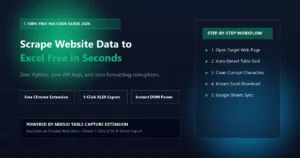
Follow this 3-step blueprint to extract live web data without writing complex scripts:
Step 1: Open the Target Catalog or Price List
Navigate in Chrome to the web store, directory, or portal you wish to analyze. Make sure the table or grid is fully loaded on screen.
Step 2: Launch Neksio Table Capture
Click the Neksio Table Capture icon in your extension bar. The smart scanner inspects the DOM and isolates product grids, table cells, prices, and SKUs.
Step 3: Export to Microsoft Excel
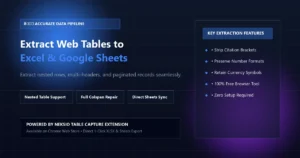
Click “Export to Excel (.xlsx)”. Neksio automatically strips currency symbols into clean numeric values so you can immediately run mathematical pricing formulas in Excel.
Multi-Page Catalog Scraping
Extract Multi-Page Store Catalogs in One Continuous Sheet
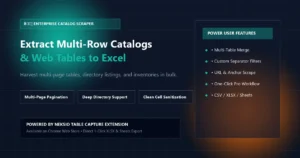
When scraping store catalogs with 500+ items across 25 pages, Neksio Table Capture PRO automates the entire process. Its pagination crawler navigates through every page, extracts all rows, and merges them into a single consolidated master Excel sheet.
3. Advanced Excel Price Analysis Formulas
Once your pricing data is inside Excel, use these essential formulas to unlock competitive insights:
// 1. Calculate Discount Margin Percentage:
=(Original_Price – Sale_Price) / Original_Price
// 2. Identify Lowest Competitor Price across columns B, C, D:
=MIN(B2:D2)
// 3. Highlight Out-of-Stock Items with Conditional Formatting:
=IF(ISNUMBER(SEARCH(“Out of stock”, E2)), “RESTOCK NEEDED”, “OK”)
🔗 Expand Your Data Intelligence Skills:
- Zero coding scraping blueprint: How to Scrape Data from Any Website to Excel Free
- Extracting complex web tables: How to Extract Tables from Websites into Excel & Google Sheets
- Dynamic div table extraction: How to Extract Data from Dynamic JavaScript & Div Tables
Frequently Asked Questions (FAQ)
Can I pull live website data into Excel without coding?
Yes! Using the free Neksio Table Capture Extension, you simply open the webpage and click “Export to Excel”. It captures all pricing tables and product grids instantly.
Will price numbers have active currency formatting in Excel?
Yes. Neksio sanitizes currency tags ($ or €) and formats values as true numbers so mathematical functions like =MIN(), =AVERAGE(), and pricing formulas work immediately.
Can I scrape supplier price books that require a login?
Yes. Because Neksio executes inside your active authenticated browser session, you can extract password-protected wholesale catalogs that cloud scrapers cannot access.
Can I export price lists directly into Google Sheets?
Yes. Neksio offers a one-click “Copy to Google Sheets” button that formats the data for immediate pasting into Google Drive workbooks.
How do I extract catalogs that span 20+ pages?
With Neksio Table Capture PRO, the built-in pagination crawler automatically loops through multi-page catalogs and merges all rows into a single master spreadsheet.