Discovering how to scrape data from website to excel free without writing complex Python scripts or paying hundreds of dollars for enterprise web scrapers is one of the most valuable productivity superpowers in modern business. Whether you are an e-commerce store manager auditing supplier pricing, a market researcher gathering industry benchmarks, or a data analyst processing financial indices, manual copy-pasting from web pages inevitably ruins row alignment, breaks numbers, and costs dozens of wasted hours. In this masterclass, you will learn the exact no-code framework to extract any web table directly into native Microsoft Excel (.xlsx) and Google Sheets in under 3 seconds.
🚀 The 1-Click Fast Solution: Neksio Table Capture
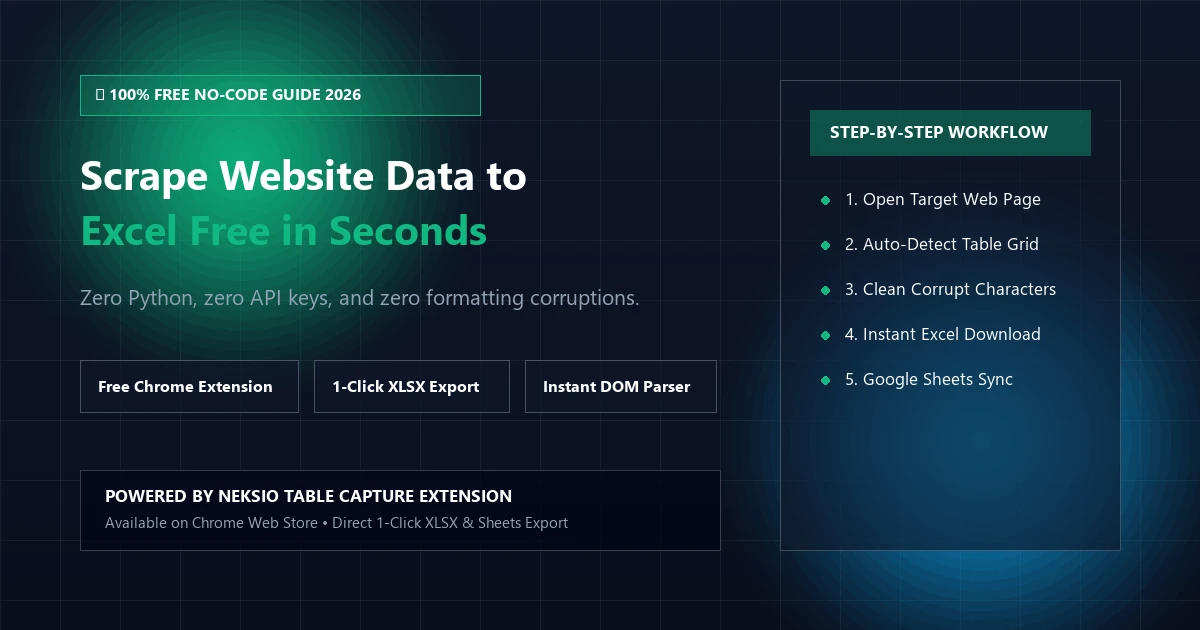
Rather than configuring complex BeautifulSoup selectors, installing headless Chrome drivers, or fighting broken clipboard formatting, you can use the free Neksio Table Capture Chrome Extension. It automatically scans web pages, detects structured HTML tables, dynamically generated JavaScript div tables, and exports cleanly formatted, calculable Excel workbooks instantly.
1. The Core Problem: Why Manual Web Data Copying Always Fails
When users highlight web text with a mouse cursor and hit Ctrl + C, modern browsers do not copy structured spreadsheet cells. Instead, they copy raw, unformatted HTML markup. When pasted into Microsoft Excel, several critical structural errors occur:
- Column Splitting and Shifted Headers: Any cell featuring an internal line break (
<br>) or nested tag will split into multiple rows, corrupting horizontal column alignment across the entire sheet. - Uncalculable Number Formatting: Currency symbols (e.g., $, €), trailing percentage signs, and non-breaking spaces (
) force Excel to treat numbers as text strings. This completely disables formulas like=SUM(),=VLOOKUP(), or Pivot Tables. - Nested Spans & Merged Headers: Tables containing
colspanorrowspanattributes collapse into single columns, creating duplicate records and missing data fields. - Dynamic JavaScript Loading: Many modern web apps don’t render native
<table>elements at all; they build grids out of styled<div>tags. Standard copy-paste completely ignores these dynamic grids.
To understand how complex dynamic sites work, read our companion breakdown on how to scrape dynamic JavaScript div tables to Excel.
2. Method Comparison: 4 Ways to Scrape Website Data into Excel
Depending on your technical comfort and data volume, there are four primary methods available today:
| Method | Setup Time | Cost | Formatting Cleanliness | Best For |
|---|---|---|---|---|
| Neksio Table Capture (Extension) | 10 Seconds | 100% Free | Flawless (Clean XLSX) | Daily business, e-com, financial tables |
| Excel Power Query (Get Data from Web) | 5-10 Minutes | Requires Excel 365 | Moderate (Breaks on JS) | Static public web URLs |
| Google Sheets IMPORTHTML() | 2-5 Minutes | Free Google Account | Moderate (Fails on login pages) | Wikipedia & open government tables |
| Python (BeautifulSoup / Scrapy) | Hours to Days | High (Developer Time) | Custom | Millions of automated pages |
3. Step-by-Step: How to Scrape Website Data to Excel Free in 3 Clicks
Follow this foolproof guide using the dedicated browser extension designed for business users:
Step 1: Install the Free Chrome Extension
Navigate to the official Chrome Web Store and install the Neksio Table Capture Extension. Installation takes 3 seconds and requires zero registration or credit cards.
Step 2: Open the Web Page Containing Your Data
Visit any webpage with structured records. This can be an Amazon search result, an eBay catalog, a financial stock table, a Wikipedia database, or an internal password-protected CRM dashboard. Click the extension icon in your toolbar.
Step 3: Preview and One-Click Export
Neksio displays an interactive visual card showing exact row and column counts. Choose “Export to Excel (.xlsx)”, “Download CSV”, or “Copy to Google Sheets”. Your spreadsheet downloads instantly with pristine column widths and intact numeric values.
Multi-Page Automation
Need to Scrape 50+ Pages of E-Commerce or Directory Records?
For power users handling paginated web tables (e.g., 20 pages of search results), the Neksio Table Capture PRO Edition includes automated multi-page pagination crawl. It automatically clicks “Next Page”, harvests all tables, and merges them into a single consolidated master Excel sheet.
4. Method 2: Scraping Web Tables Using Microsoft Excel Power Query
If you are working strictly with static, publicly accessible web pages and have Microsoft 365 or Excel 2019+, you can use Excel’s built-in Power Query connector:
- Open a blank Microsoft Excel workbook and navigate to the Data tab.
- Click Get Data > From Other Sources > From Web (or click the standalone From Web icon).
- Paste the target webpage URL into the dialogue box and click OK.
- Excel’s Navigator window will connect to the server and inspect the HTML. It will present a list of detected
Table 0,Table 1, etc. - Select your desired table to view a preview, then click Load to pull the data directly into an Excel worksheet.
⚠️ Power Query Limitations: Power Query cannot execute client-side JavaScript, cannot log into password-protected member portals, and fails when web tables are rendered inside dynamic modal windows or infinite scroll containers. In those cases, a dedicated browser extension like Neksio Table Capture is required.
5. Method 3: Scraping Web Tables into Google Sheets with =IMPORTHTML()
For users collaborating on the cloud, Google Sheets provides an elegant native formula for open web tables. Check our comprehensive walkthrough on how to export web tables directly to Google Sheets. The standard syntax is:
Here, the first argument is the public URL, the second argument specifies "table", and the third parameter (1) indicates the index number of the table on the page. While clean and automated, Google Sheets imposes strict bandwidth rate limits and will display #N/A errors if the host server blocks Google’s IP address.
6. Best Practices for Cleaning and Formatting Scraped Web Data
Once your web data lands inside Microsoft Excel, apply these 3 quick sanitization practices to guarantee calculation readiness:
- Strip Non-Breaking Spaces: Run
=TRIM(CLEAN(SUBSTITUTE(A2, CHAR(160), " ")))to remove invisible web spacing characters that prevent Excel from parsing numbers. - Convert Text Numbers into Values: If numbers show green triangle error tags, select the column, open Data > Text to Columns, and simply click Finish. Excel will instantly convert them to true numeric values.
- Format as Official Excel Table: Press
Ctrl + Tto convert your raw grid into an authentic Excel Table with automated zebra striping, filtering toggles, and total calculation rows.
📖 Recommended Related Guides in this Series:
- Master e-commerce product extraction: How to Scrape Amazon and E-Commerce Product Tables to Excel
- Review software alternatives: Table Capture Chrome Extension Alternatives: Pro Review
- Wikipedia specific guide: Export Wikipedia Tables to Excel and Google Sheets in 1 Click
Frequently Asked Questions (FAQ)
Can I scrape data from a website to Excel for free without coding?
Yes. The fastest and 100% free way is using the Neksio Table Capture Extension. It scans any page you are visiting and downloads a clean, native Excel workbook (.xlsx) with a single click.
Can I scrape password-protected intranet or CRM dashboards?
Yes! Cloud scrapers fail on protected sites because they cannot pass login walls. However, browser extensions like Neksio execute directly inside your authenticated browser session, allowing you to extract any table your logged-in account can view.
Is web scraping data into Excel legal?
Extracting publicly accessible tabular data for personal research, price comparison, or market analysis is broadly recognized as legal under landmark US court rulings (e.g., hiQ Labs v. LinkedIn). However, you must always adhere to copyright laws and respect individual terms of service.
What is the best format to save scraped tables: CSV or XLSX?
For Microsoft Excel and Google Sheets, native XLSX is superior because it preserves numeric formatting, prevents scientific notation errors on long ID numbers, and supports UTF-8 international characters without manual encoding adjustments.
How do I scrape multi-page paginated tables across 20+ pages?
To automate multi-page scraping without writing code, upgrade to Neksio Table Capture PRO. It features automated Next Page crawl that merges hundreds of paginated rows into a single consolidated spreadsheet.